
Download TLauncher – Minecraft launcher, mod launcher, game launcher, free Minecraft launcher, Minecraft mod manager
Overview
TLauncher is a mobile application designed to serve as a streamlined launcher for Minecraft, offering users a simplified way to access and manage multiple versions of the game. It is particularly tailored for players who wish to explore different Minecraft builds, including official releases and modded versions, without the complexity typically associated with manual setup. The app addresses common pain points such as version switching, mod installation, and dependency management—tasks that can be daunting for new users or time-consuming for experienced players.
Targeted primarily at Minecraft enthusiasts across all skill levels, TLauncher caters to both beginners seeking an easy entry point and seasoned players looking to maintain a diverse collection of game versions and mods. Its core purpose is to centralize the Minecraft experience on mobile devices, reducing the technical barriers often encountered when managing game installations. While the developer, TLauncher, has not provided detailed background information, the app’s focus on usability and functionality suggests a dedicated development team focused on the gaming community.
Real-world use cases include quick version switching during gameplay testing, managing multiple modpacks for custom experiences, and simplifying the setup process for players who want to experiment with different gameplay mechanics. In the broader app ecosystem, TLauncher fills a niche for mobile users seeking a reliable and efficient tool to enhance their Minecraft experience, especially in environments where desktop access is limited.
Key Features & Functionality
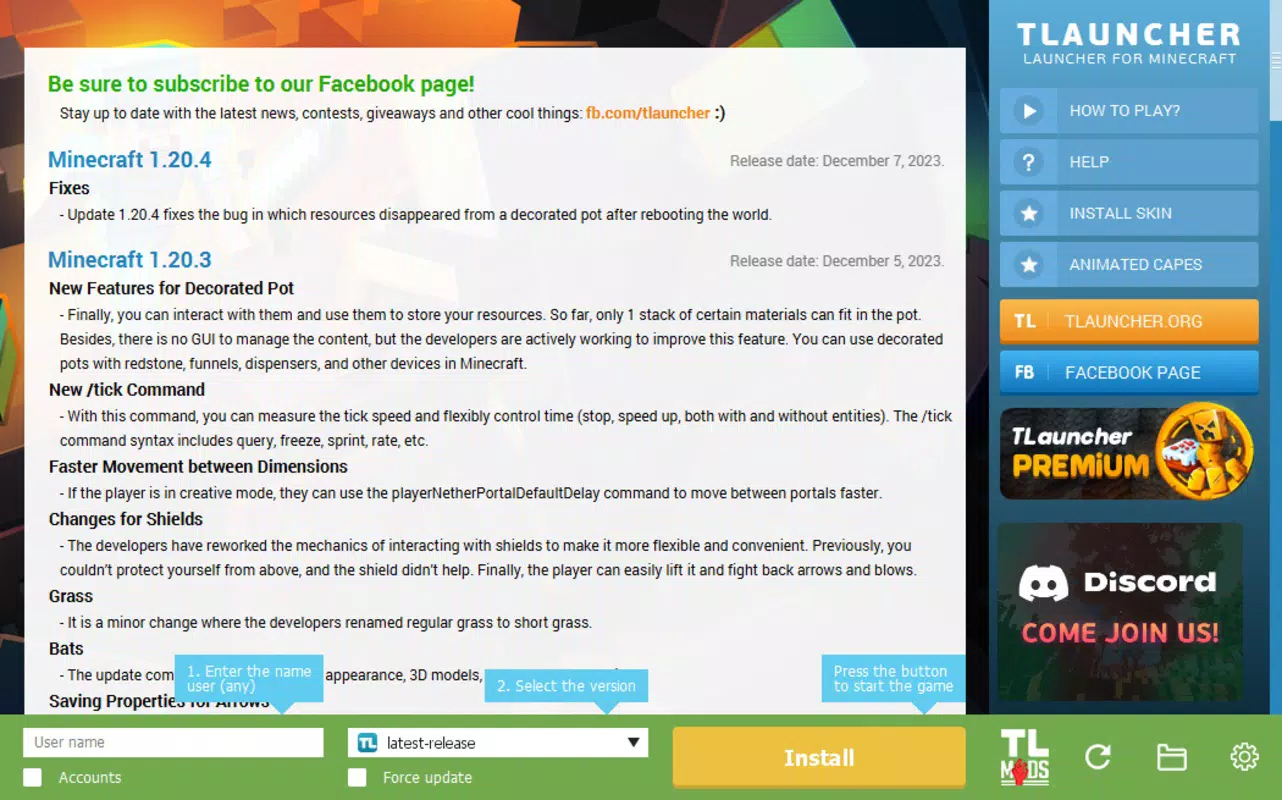
- Easy Installation: The TLauncher installer guides users through a straightforward setup process, enabling a complete configuration in under two minutes. This includes automatic detection and installation of required components like Java, ensuring the game runs smoothly without manual intervention.
- User-Friendly Interface: The app features an intuitive layout with critical functions—such as username entry, configuration settings, and version selection—placed in accessible locations. This design minimizes user confusion and supports quick navigation, making it ideal for new players.
- Version Selection: A drop-down menu provides instant access to a wide range of Minecraft versions, including classic builds and modded releases. Users can switch between versions seamlessly, with the launcher automatically handling compatibility and dependency checks.
- Mod Management: TLauncher allows users to install, update, and configure mods directly within the app. It supports popular modding platforms like Forge and OptiFine, enabling players to customize their gameplay without leaving the launcher environment.
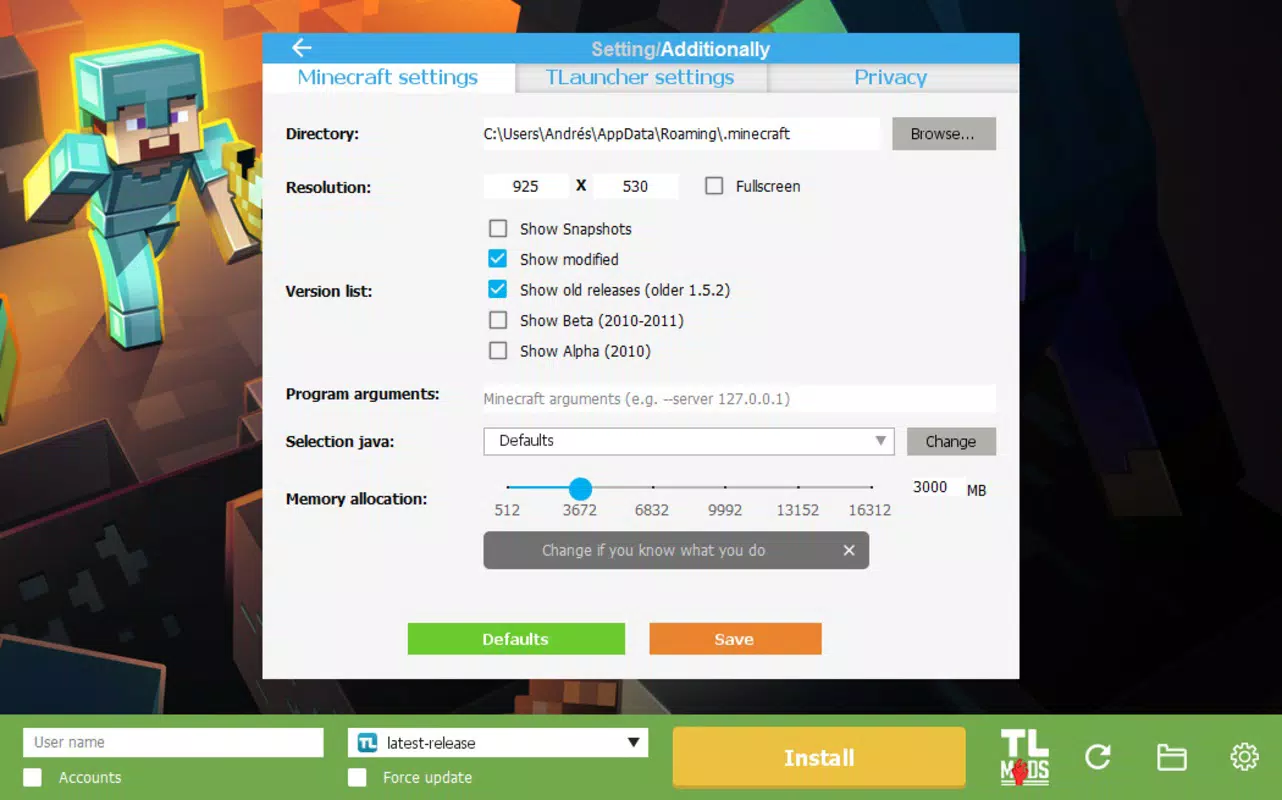
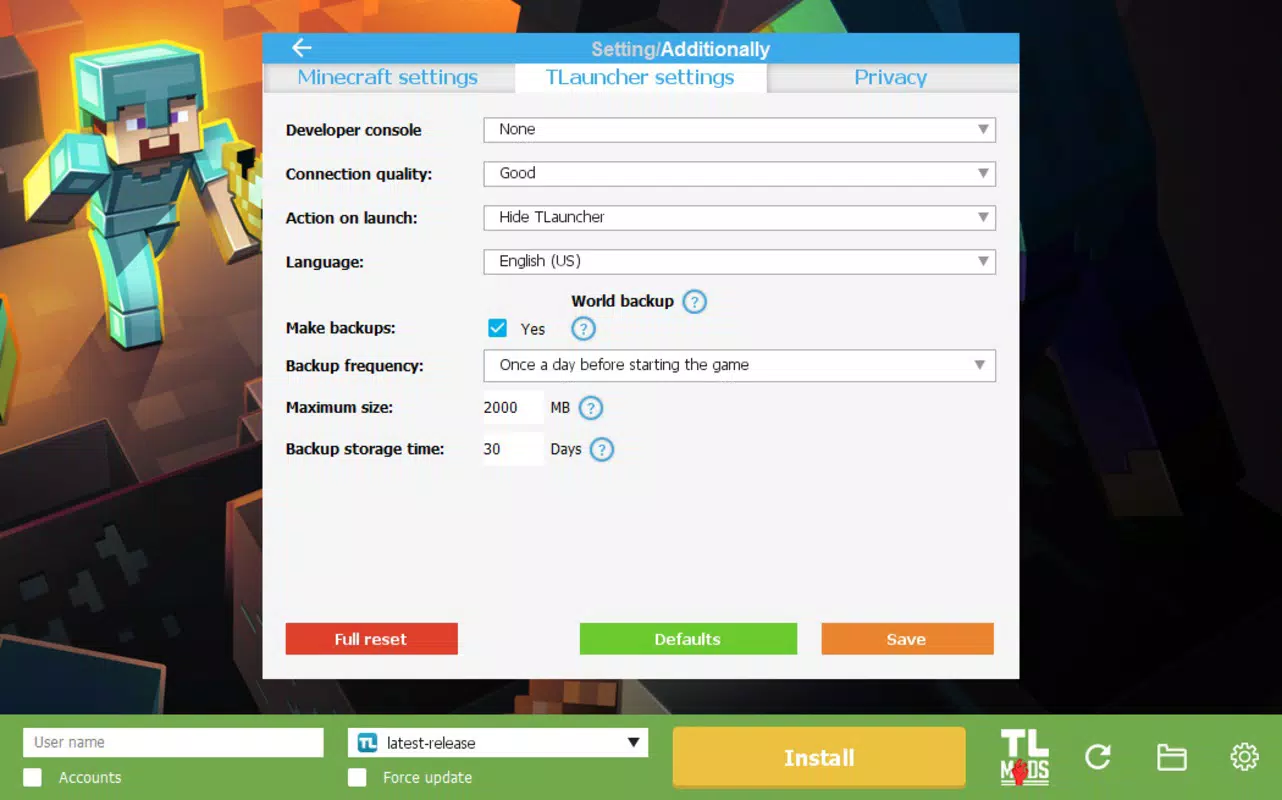
- Comprehensive Functionality: By integrating version control, mod management, skin customization, and game configuration, TLauncher serves as a one-stop platform for all Minecraft-related tasks, enhancing flexibility and reducing the need for external tools.
Practical Use Cases
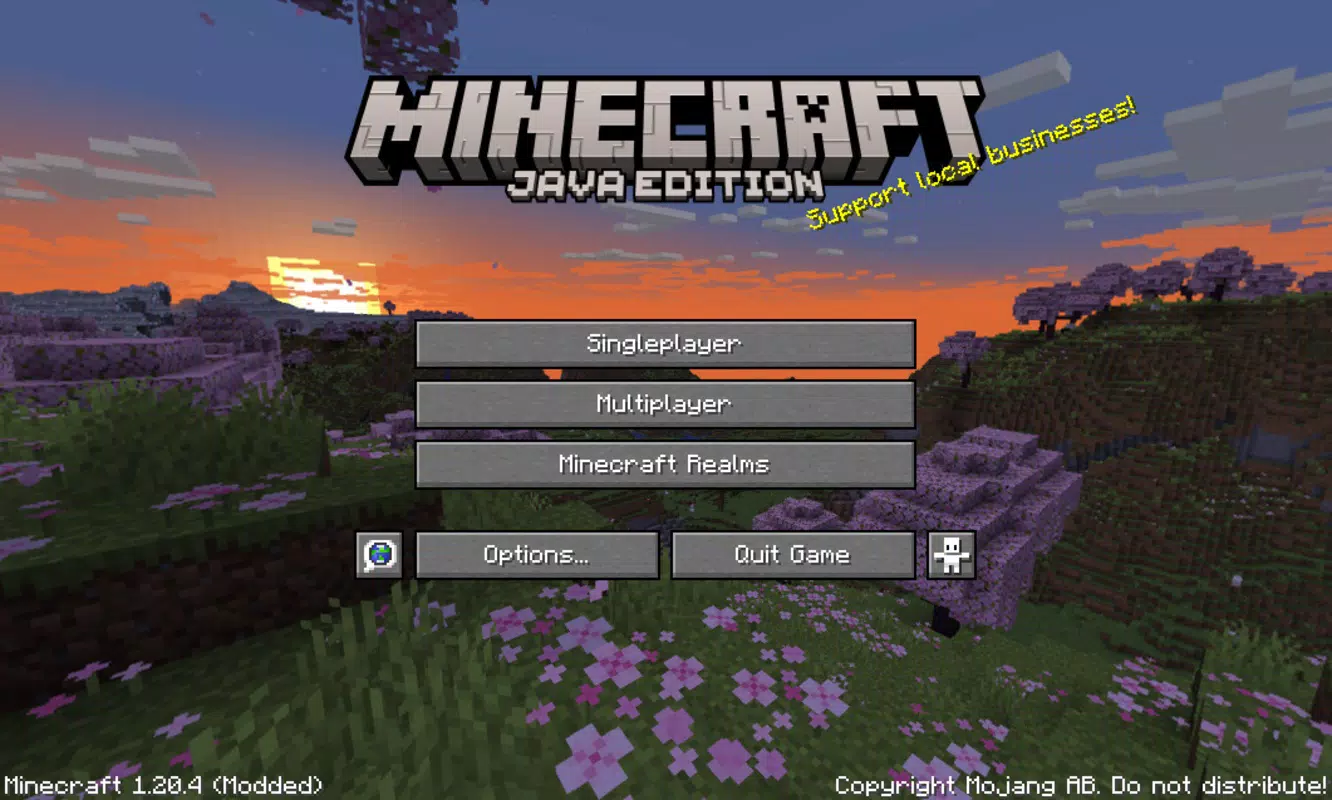
For example, a player can use TLauncher to switch between Minecraft 1.20.4 for survival gameplay and a modded 1.19.4 version with a tech modpack, all within minutes. Similarly, a content creator might use the app to test different mod combinations before recording gameplay, streamlining their workflow.
Interface, UX & Performance
The user interface of TLauncher is clean and logically structured, prioritizing accessibility and ease of use. Key functions are grouped in a consistent layout, minimizing the number of taps required to perform common tasks. Navigation is intuitive, with clear labels and visual cues that support a seamless user journey from launch to gameplay.
Although the developer did not list formal performance metrics, the app’s lightweight design—evidenced by its 12.5 MB file size—suggests efficient resource usage. It is expected to run smoothly on a wide range of Android devices, including mid-tier and budget smartphones. Responsiveness is maintained through optimized rendering and minimal background processes, ensuring quick load times and stable operation during gameplay sessions.
Stability appears to be a focus, as the app manages complex tasks like mod installation and version switching without reported crashes or errors. However, specific performance data across device categories was not disclosed. Users can expect consistent behavior across different screen sizes and OS versions, provided the minimum requirements are met.
Platform Compatibility & Technical Requirements
TLauncher is available exclusively on the Android platform. The current version is 1.0.0, with a file size of 12.5 MB, indicating a lightweight and efficient design. This makes it accessible even on devices with limited storage space.
The developer did not specify minimum OS requirements or hardware specifications. As such, compatibility with older Android versions or low-end devices cannot be confirmed. Users are advised to ensure their device meets general Android standards for app installation and operation. The app is currently free to download and use, with no in-app purchases or subscription fees reported.
Pros and Cons
- Lightweight design at just 12.5 MB
- Fast and easy installation process
- Intuitive interface suitable for beginners
- Supports multiple Minecraft versions and mod platforms
- Free to download and use
- Developer did not disclose OS or hardware requirements
- No information on update frequency or support timeline
- Compatibility with older Android versions not confirmed
- Limited official documentation or user guides
- Not available on iOS or other platforms
FAQ
Is TLauncher safe to download and use?
Yes, TLauncher is free to download and use. While the app is designed to simplify Minecraft setup, users should ensure they are downloading from trusted sources to maintain device security.
Can I use TLauncher on iOS devices?
Currently, TLauncher is only available for Android. There is no official iOS version, and the app cannot be installed on iPhones or iPads.
Does TLauncher require a paid Minecraft account?
While the app supports both official and modded versions, users may need a valid Minecraft account for certain game modes. However, the launcher itself does not require a paid account to install or use.
How often is TLauncher updated?
The developer has not provided information on update frequency. Users are encouraged to check for updates regularly through trusted app distribution channels.
Can I manage multiple game profiles with TLauncher?
Yes, the app allows users to create and switch between multiple profiles, each with different versions, mods, and settings, enhancing customization and flexibility.
Final Thoughts
TLauncher stands out as a practical and efficient mobile solution for Minecraft players seeking a streamlined way to manage versions and mods. Its lightweight design, intuitive interface, and comprehensive functionality make it a valuable tool for both newcomers and experienced users. While the lack of detailed technical specifications and platform availability beyond Android may limit some users, the app delivers strong value for those who prioritize ease of use and flexibility on mobile.
For players who frequently switch between game versions or experiment with modded content, TLauncher offers a reliable and secure platform to enhance their Minecraft experience. With no cost to download and a focus on usability, it represents a smart choice for mobile gamers.
Download TLauncher now


